Memory Mapping (F6)
The Mapping view shows the current process memory mappings in a navigable table.
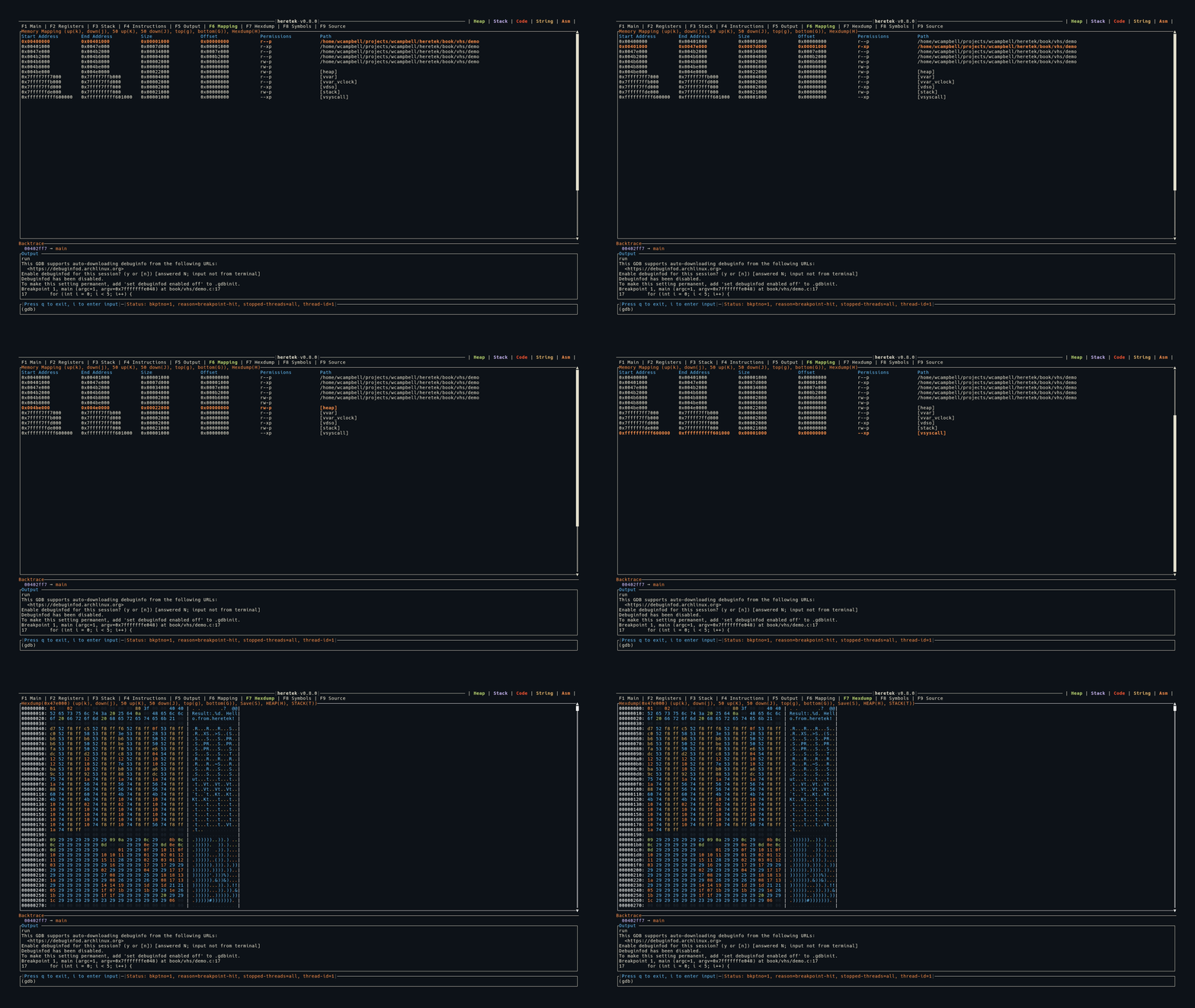
Display
Start Address        End Address          Size                 Offset               Permissions          Path
0x00400000           0x00401000           0x00001000           0x00000000           r--p                 a.out
0x00401000           0x00479000           0x00078000           0x00001000           r-xp                 a.out
0x00602000           0x00603000           0x00001000           0x00002000           rw-p                 a.out
0x01234000           0x01255000           0x00021000           0x00000000           rw-p                 [heap]
0x7ffff7dce000       0x7ffff7df0000       0x00022000           0x00000000           r--p                 libc.so.6
- The header row is shown in blue
- The selected row is highlighted in orange + bold
- A vertical scrollbar appears on the right
Region Classification
Mappings are classified for color coding across the application:
[stack]→ Stack (purple)[heap]→ Heap (green)- Executable permission or matching binary path → Code/text (red)
Hexdump Integration
Press H on any selected mapping to load its contents into the Hexdump view. This is a quick way to inspect any memory region.
GDB Compatibility
heretek supports both old and new GDB memory mapping formats:
- GDB ≤ 7.12:
Start Addr End Addr Size Offset objfile(no permissions column) - GDB ≥ 15.1:
Start Addr End Addr Size Offset Perms objfile
Keybindings
| Key | Action |
|---|---|
g | Jump to first entry |
G | Jump to last entry |
j | Move selection down 1 |
k | Move selection up 1 |
J | Move selection down 50 |
K | Move selection up 50 |
H | Open selected mapping in Hexdump view |