Registers (F2)
The Registers view shows a full-screen display of all CPU registers with their current values and dereference chains.
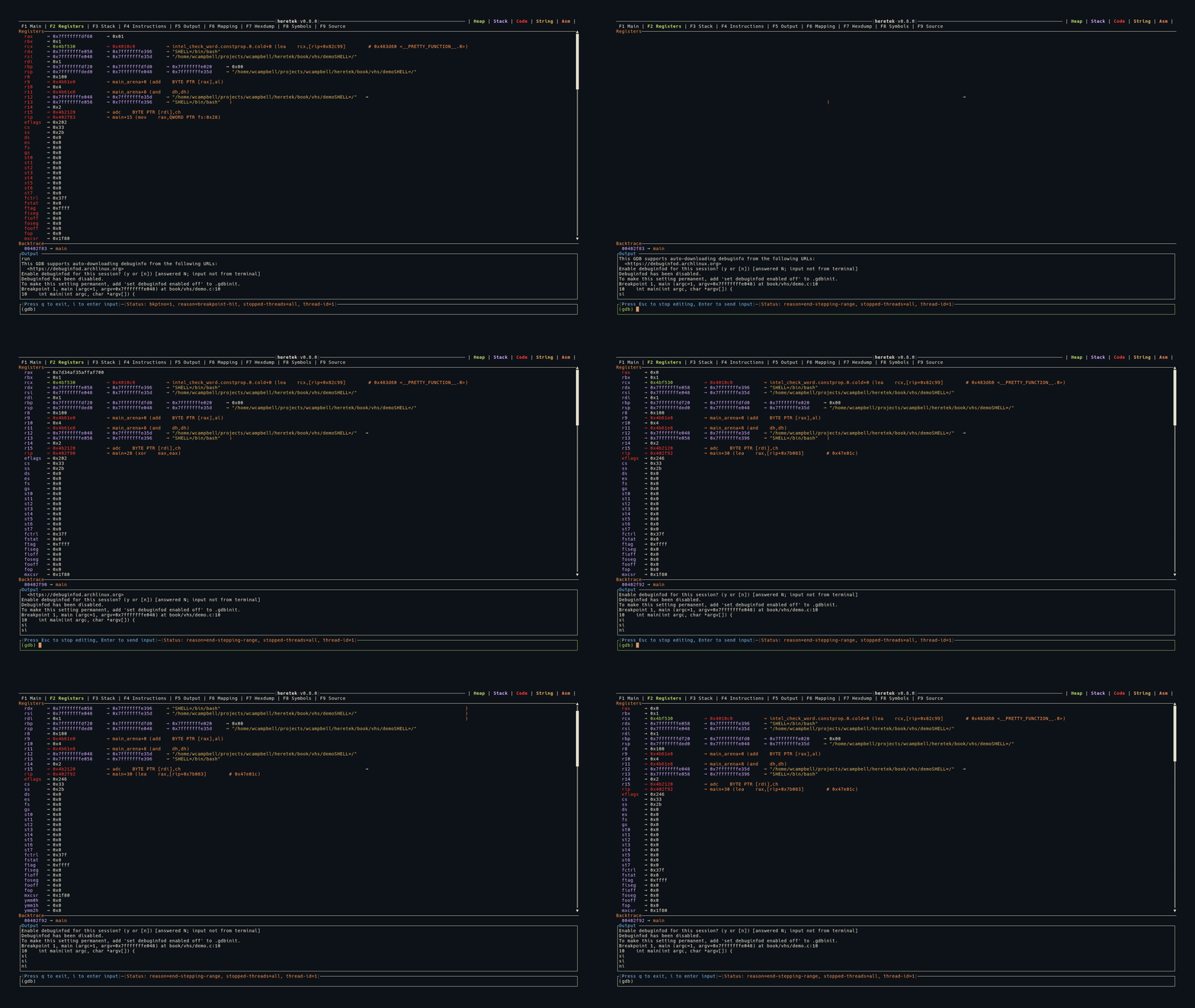
Display
Each register is shown as:
register_name 0xVALUE → dereferenced_value → ...
- Register names are left-padded for alignment
- Values are displayed in hexadecimal
- Values are color-coded by memory region (heap/stack/code)
- Changed registers are highlighted in red — registers whose values changed since the last stop
Dereference Chains
Each register value is automatically dereferenced to follow pointer chains:
rax  0x7fffffffe000 → 0x00400580 → main+0 (push rbp)
rdi  0x7fffffffe1a8 → 0x7fffffffe3b0 → "/home/user/a.out"
rsp  0x7fffffffdfe0 → 0x0000000000000001
The dereference engine:
- Follows pointers through memory, reading
ptr_sizebytes at each step - Detects ASCII strings and displays them in yellow
- Detects code pointers and shows the symbol + instruction in orange
- Detects pointer loops and stops with
→ [loop detected]in gray
32-bit vs 64-bit
- In 64-bit mode: values displayed as 19-character hex (e.g.,
0x00007fffffffe000) - In 32-bit mode: values displayed as 11-character hex (e.g.,
0xffffdfe0) - Pointer size affects dereference reads (4 vs 8 bytes per step)
Keybindings
| Key | Action |
|---|---|
j | Scroll down 1 line |
k | Scroll up 1 line |
J | Scroll down 50 lines |
K | Scroll up 50 lines |